13 Best Laser Engraver for Wood 2026: Reliable Performance Without the Gamble

Which laser engravers actually cut wood reliably without failing after weeks? We cut through hype to find durable, safe options for hobbyists and small shops.

A 10W diode laser sounds perfect on paper — capable of engraving intricate designs and slicing through thin plywood. After a few weeks, many of these machines start ghosting lines, losing power, or simply stop turning on. The difference between a tool that delivers and one that collects dust often comes down to build quality and real-world reliability, not the wattage printed on the box.

Power claims are the easiest trap. A laser marketed as '50W' may output only 5.5W of actual cutting energy — enough for fine engraving but useless for cutting even 3mm wood. The real challenge is matching advertised specs to physical performance. This guide focuses on machines that cut wood at the depths they promise, without failing early.

We sorted through open-frame and enclosed models from budget to premium, weighing power, safety, software, and longevity. The result is a shortlist built around what matters most for woodworkers: consistent performance, honest specs, and a track record that holds up past the first month.

1

Best Overall

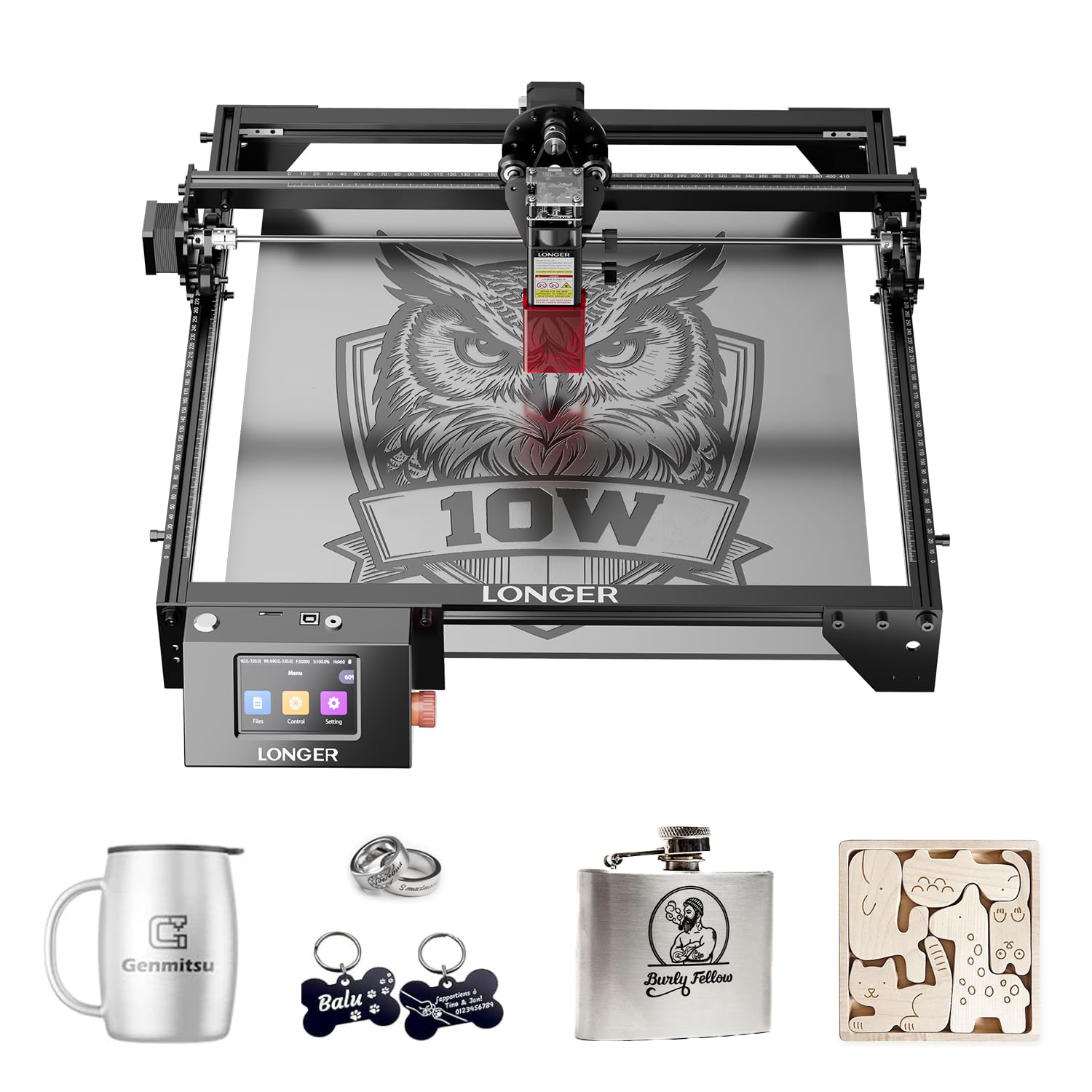
Longer RAY5 10W

87 /100
Craft Score Excellent

Key details

Safety
Open frame
Software
LightBurn, LaserGRBL, App
Work Area
400x400mm
Laser Power
10W diode
View on Amazon

The Longer RAY5 10W stands out among open-frame diode lasers for its build quality and integrated touchscreen, which simplifies operation. The frame feels sturdy, with well-managed cabling that reduces vibration during cuts. The touchscreen lets you adjust power and speed without a computer, trimming setup time. On wood and acrylic up to 5mm, cutting is consistent, and engraving details come through cleanly at moderate speeds.

This laser suits buyers who already have a ventilated workspace and safety glasses, as the open-frame design offers no enclosure. Hobbyists working in a garage or small business owners with a dedicated shop will appreciate the straightforward controls and repeatable results. The tradeoff is the lack of built-in safety features found on enclosed models, but for those who manage their environment, the build quality and performance justify the mid-range price.

💡 Keep the workspace ventilated and wear appropriate laser safety glasses - essential for all open-frame diode lasers.

Pros

  • Machine construction feels substantial and requires little adjustment after unboxing.
  • Touchscreen interface reduces setup time, no computer needed for basic operation.
  • Cutting performance is consistent for 3-5mm wood and acrylic at moderate speeds.

Cons

  • Open-frame design means no built-in enclosure; you need a well-ventilated workspace and mandatory safety goggles.
Our verdict

For hobbyists and small business owners who already have a ventilated workspace, the Longer RAY5 10W offers a combination of build quality and user-friendly operation that justifies its mid-range price.


Check Latest Price
2

Best for Heavy Cutting & Enclosed Safety

xTool S1 40W

87 /100
Craft Score Excellent

Key details

Safety
Enclosed, Class 1, flame sensor
Software
xTool Creative Space, LightBurn
Work Area
23.9x15.2 inches
Laser Power
40W diode
View on Amazon

The xTool S1 40W cuts 18mm cherry in a single pass, a capability that sets it apart from lower-power diode lasers. Its enclosed Class 1 design with flame detection and auto-focus makes it suitable for home workshops without dedicated ventilation. The auto-focus and xTool Creative Space software simplify operation despite the machine's power. This combination targets small businesses and serious hobbyists who regularly process thick materials. However, its large footprint and premium price mean casual users with limited space or budget should consider lighter options.

💡 Keep a tape measure handy — the machine's footprint is larger than its listed dimensions suggest.

Pros

  • Cuts 18mm cherry in a single pass with its 40W diode.
  • Enclosed Class 1 design with flame detection enables safe indoor operation.

Cons

  • Large footprint may be bigger than expected; measure your workspace first.
Our verdict

This laser is a proper fit for those who need heavy cutting power and safety in a single package, not for casual hobbyists or small spaces.

Check Latest Price
3

Best Value Enclosed Laser

Woxcker L2 MAX 10W

83 /100
Craft Score Excellent

Key details

Safety
Enclosed, flame sensor, child lock
Software
WiFi, USB, App, TF card
Work Area
300x300mm
Laser Power
10W diode
View on Amazon

The Woxcker L2 MAX wraps a 10W diode in a fully enclosed housing with a flame sensor, tilt stop, and child lock — safety-first design that removes the need for goggles and ventilation when others require open-frame precautions. Setup is straightforward, and engraving quality on wood meets expectations for this power class. The 300x300mm bed limits project size, so this suits smaller crafts, not furniture-sized pieces. Well-priced for hobbyists who prioritize a safe, ready-to-use workspace over cutting speed or large dimensions.

Pros

  • Easy setup and beginner-friendly enclosed design gets you laser engraving with minimal fuss.
  • Consistent engraving quality and strong value for the power class.

Cons

  • The 300x300mm work area limits large projects like signs or furniture panels.
Our verdict

Best for beginners who want a safe enclosed laser at a mid-range price, as long as project size stays within the 300x300mm bed.

Check Latest Price
4

Best Budget Open-Frame 10W

Creality Falcon 10W

84 /100
Craft Score Excellent

Key details

Safety
Open frame
Software
LightBurn, LaserGRBL, SD card
Work Area
400x415mm
Laser Power
10W diode
View on Amazon

The Falcon 10W offers a larger bed than most entry-level 10W lasers, with consistent engraving quality that suits wood and other materials. Its open-frame design requires safety glasses and good ventilation, and the included assembly instructions lean heavily on vague diagrams — new users should plan to watch a YouTube guide. This machine fits budget-conscious hobbyists who want maximum work area per dollar and are comfortable self-educating on setup.

💡 Keep a YouTube tutorial open during assembly to clarify the printed diagrams.

Pros

  • Strong value for a 10W diode plus a large work area at entry-level pricing
  • Easy to operate

Cons

  • Assembly instructions use vague diagrams; new users may need to rely on video tutorials
Our verdict

A capable budget engraver for hobbyists who don't mind watching setup videos and can provide their own ventilation.

Check Latest Price
5

Best Portable Dual-Laser

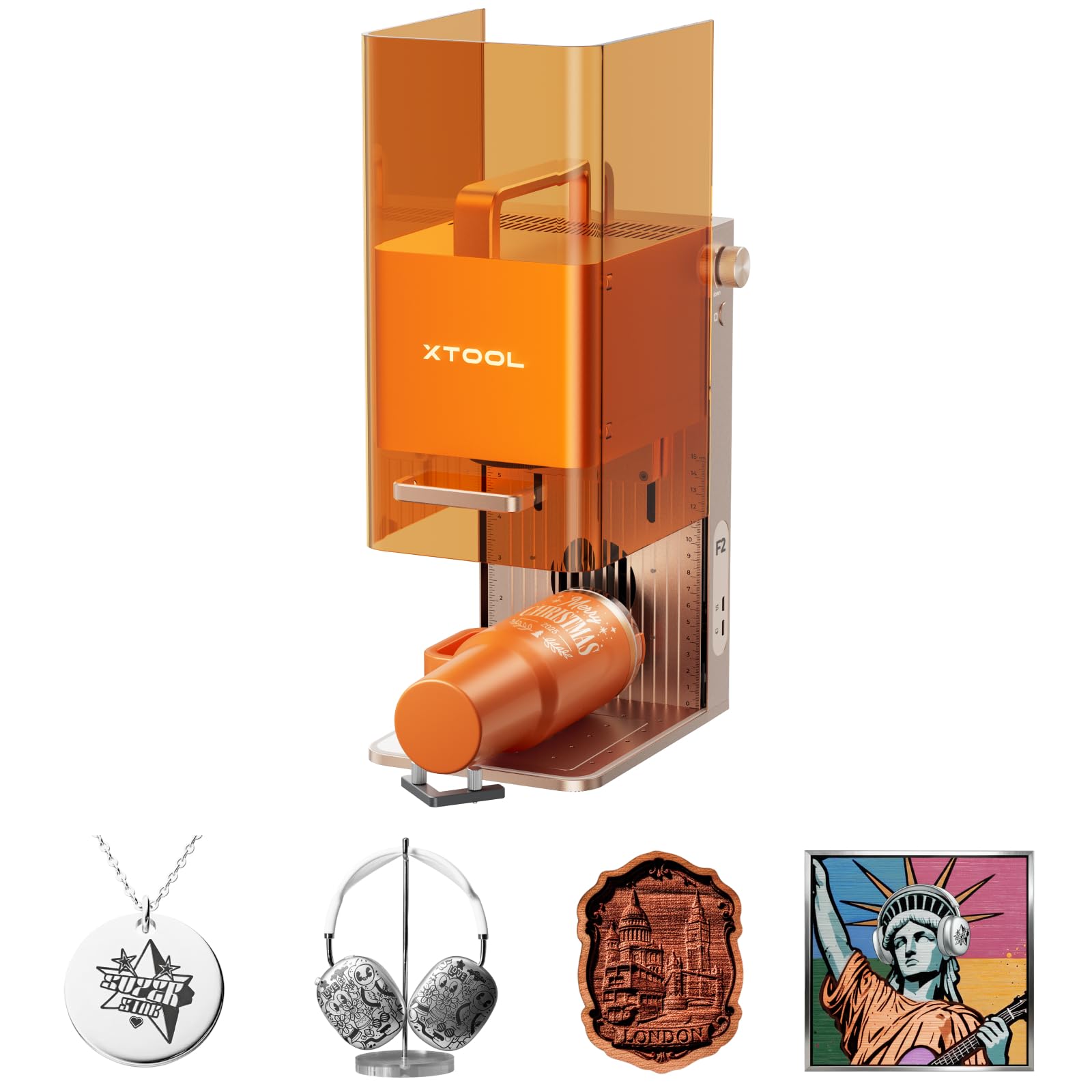
xTool F2 Dual Laser

84 /100
Craft Score Excellent

Key details

Safety
Enclosed, leak-proof
Software
xTool Creative Space
Work Area
6.9x9.3 inches
Laser Power
15W diode + 5W IR
View on Amazon

The xTool F2 pairs a 15W diode with a 5W IR laser in a compact enclosure that handles both metal marking and wood engraving in one unit. Its 50MP camera alignment speeds up setup, and the enclosed design adds a layer of safety. Where larger machines focus on cutting power, this one targets dual-material versatility in a take-anywhere package.

This fits on-site customization businesses that need both metal and wood capabilities in a portable form. The 6.9x9.3-inch work area suits small signs, jewelry, and personalization projects. Some units have stopped operating within the first month, so verifying the return policy and testing right away is recommended.

💡 Test all functions immediately upon delivery and keep the unit within the return window.

Pros

  • Dual laser versatility
  • Portable design with 50MP camera alignment for quick and precise positioning.

Cons

  • Some units may stop working within weeks of purchase.
Our verdict

A focused tool for mobile customizers who need metal and wood engraving in one portable package, though early unit failures mean it pays to buy with a solid return policy.

Check Latest Price
6

Best Dual-Power Enclosed Laser

Mecpow X4 Pro 40W

83 /100
Craft Score Excellent

Key details

Safety
Enclosed Class 1, camera
Software
LightBurn, WiFi, USB, TF
Work Area
Laser Power
40W/20W switchable
View on Amazon

The Mecpow X4 Pro sets itself apart with dual switchable power -- 40W for cutting thicker wood, 20W for detailed engraving -- in an enclosed Class 1 frame with camera alignment. The software setup using LightBurn may require some initial patience, and the work area dimensions are not clearly specified in the listing. This machine fits small businesses or experienced hobbyists who want enclosed safety and versatility, as long as they are willing to invest time in configuration.

💡 If LightBurn setup feels tricky, start with the included presets and online tutorials -- the hardware is ready to go once configured.

Pros

  • Switchable 40W/20W laser handles both heavy cutting and fine engraving.
  • Enclosed design with camera simplifies alignment and offers Class 1 safety.
  • Assembly quality and build materials receive positive feedback from users.

Cons

  • Work area size is not clearly listed, making project planning less straightforward.
Our verdict

A capable mid-range enclosed laser for those who value power flexibility and don't mind a bit of software tinkering.

Check Latest Price
7

Budget Tinkerers

Ortur LM2 S2 10W

86 /100
Craft Score Excellent

Key details

Safety
Open frame, G-sensor
Software
LaserGRBL, LightBurn
Work Area
390x410mm
Laser Power
10W diode
View on Amazon

This laser engraver attracts a large following due to its low price and decent engraving quality. However, its consistency is a known risk: some machines may lose power or stop working after weeks or months, making it a gamble even for budget-minded hobbyists.

Pros

  • Wide user community provides abundant shared settings and project files.
  • Engraving quality is competitive at this price point.

Cons

  • Laser output can become inconsistent over time in some units.
Our verdict

This machine is a worthwhile pick for hobbyists who enjoy tinkering and are willing to accept the possibility of early component degradation in exchange for low upfront cost.

Check Latest Price
8

Large Area Engraving

KENTOKTOOL LE400PRO

84 /100
Craft Score Excellent

Key details

Safety
Open frame
Software
GRBL, LightBurn
Work Area
400x400mm
Laser Power
5.5W diode
View on Amazon

This budget engraver delivers a spacious 400x400mm bed and good detail on wood, making it a solid entry-level pick for engraving-focused projects. The advertised 50W is marketing fluff — actual output is 5.5W, which limits cutting to soft materials under 3mm thick. If your priority is large-scale engraving without needing to cut, it offers strong value; if you need to cut thicker wood, a more powerful 10W alternative (like the similarly-priced Creality Falcon 10W) is a better fit.

Pros

  • Beginner-friendly setup with clear instructions.
  • Good engraving quality on wood at an affordable price.

Cons

  • Cuts wood only up to 3mm thick
Our verdict

Best for hobbyists who want a large engraving area for detailed work on wood or acrylic and don't need to cut thicker materials.

Check Latest Price
9

Compact Beginners

Carverall K15 Pro 10W

80 /100
Craft Score Excellent

Key details

Safety
Open frame
Software
CutLabX, LightBurn, LaserGRBL
Work Area
A4 (11.8x7.9 inches)
Laser Power
10W diode
View on Amazon

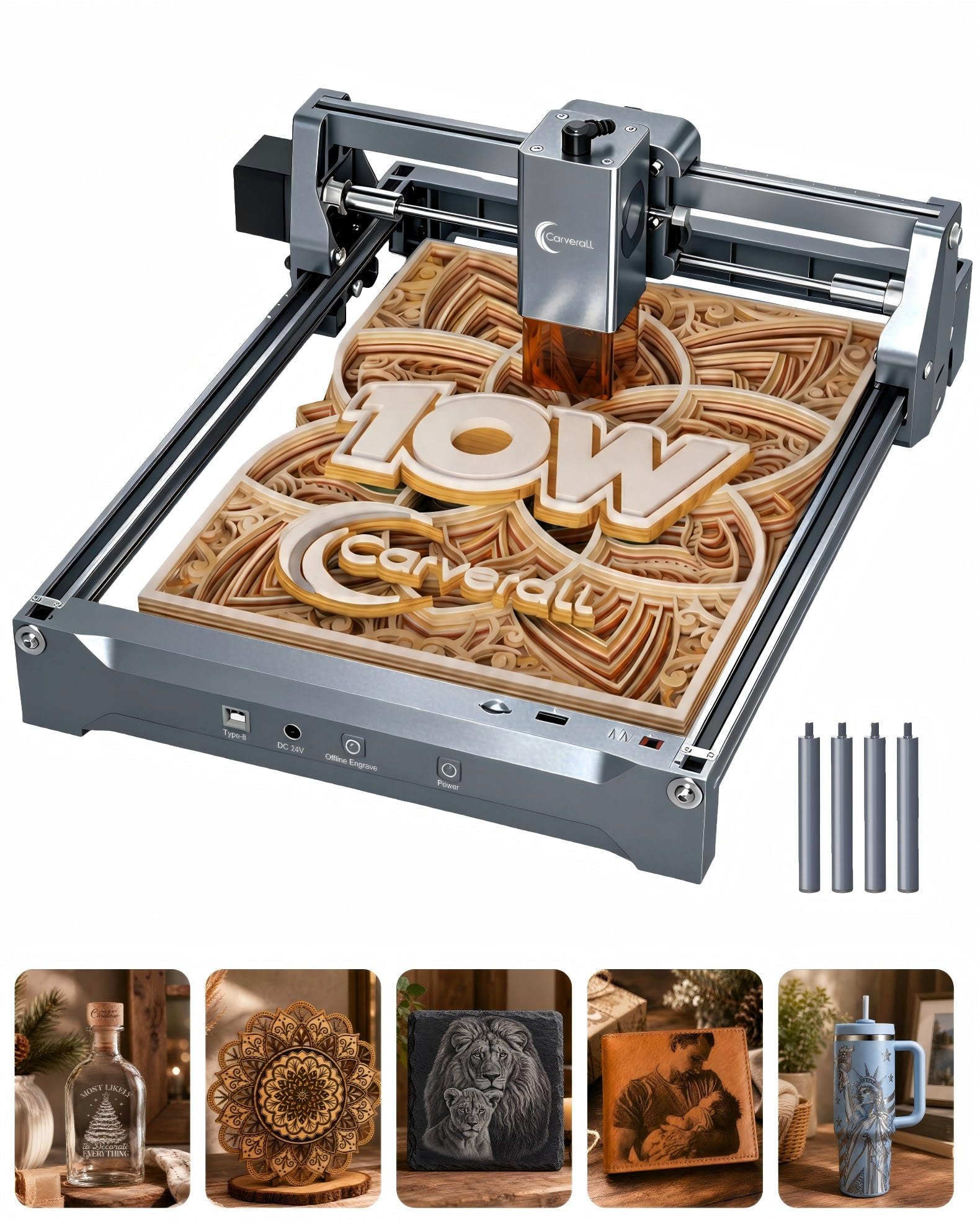
The Carverall K15 Pro delivers verified 10W laser power and includes free CutLabX software, making it a budget-friendly entry point for beginners. The compact A4 work area suits small engravings and light cuts, but users planning larger projects will find the bed size limiting.

Pros

  • Simple setup and intuitive controls make it accessible for first-time laser users.
  • Free CutLabX software reduces initial investment for hobbyists.

Cons

  • Small A4 work area may limit projects for those wanting larger engravings or cutting sheets.
Our verdict

Best suited for hobbyists who prioritize software savings and compact size over a larger work area.

Check Latest Price
10

Smart Enclosed

Creality Falcon A1 10W

79 /100
Craft Score Very Good

Key details

Safety
Enclosed Class 1
Software
LightBurn, LaserGRBL
Work Area
18.1x13.6 inches
Laser Power
10W diode
View on Amazon

The Creality Falcon A1 wraps a 10W diode laser in a Class 1 enclosure and pairs it with a built-in camera for automatic material recognition and positioning - a genuinely beginner-friendly setup. Engraving quality on wood meets expectations for this power class. However, the camera calibration process can be finicky, and some units have experienced laser failure or software disconnects, making this a better fit for hobbyists who value safety and ease of use over production consistency.

Pros

  • Camera auto-setup simplifies material positioning for first-time users.
  • Good engraving quality and suitable for beginners learning laser work.

Cons

  • Laser failure or software disconnects can occur; camera calibration may need adjustments for reliable alignment.
Our verdict

Best for beginners who prioritize an enclosed, camera-guided experience and can accept occasional software hiccups over a cheaper open-frame alternative.

Check Latest Price
11

Ultra-Portable

Longer Ray5 5.5W

82 /100
Craft Score Excellent

Key details

Safety
Open frame
Software
LightBurn, LaserGRBL, WiFi
Work Area
130x130mm
Laser Power
5.5W diode
View on Amazon

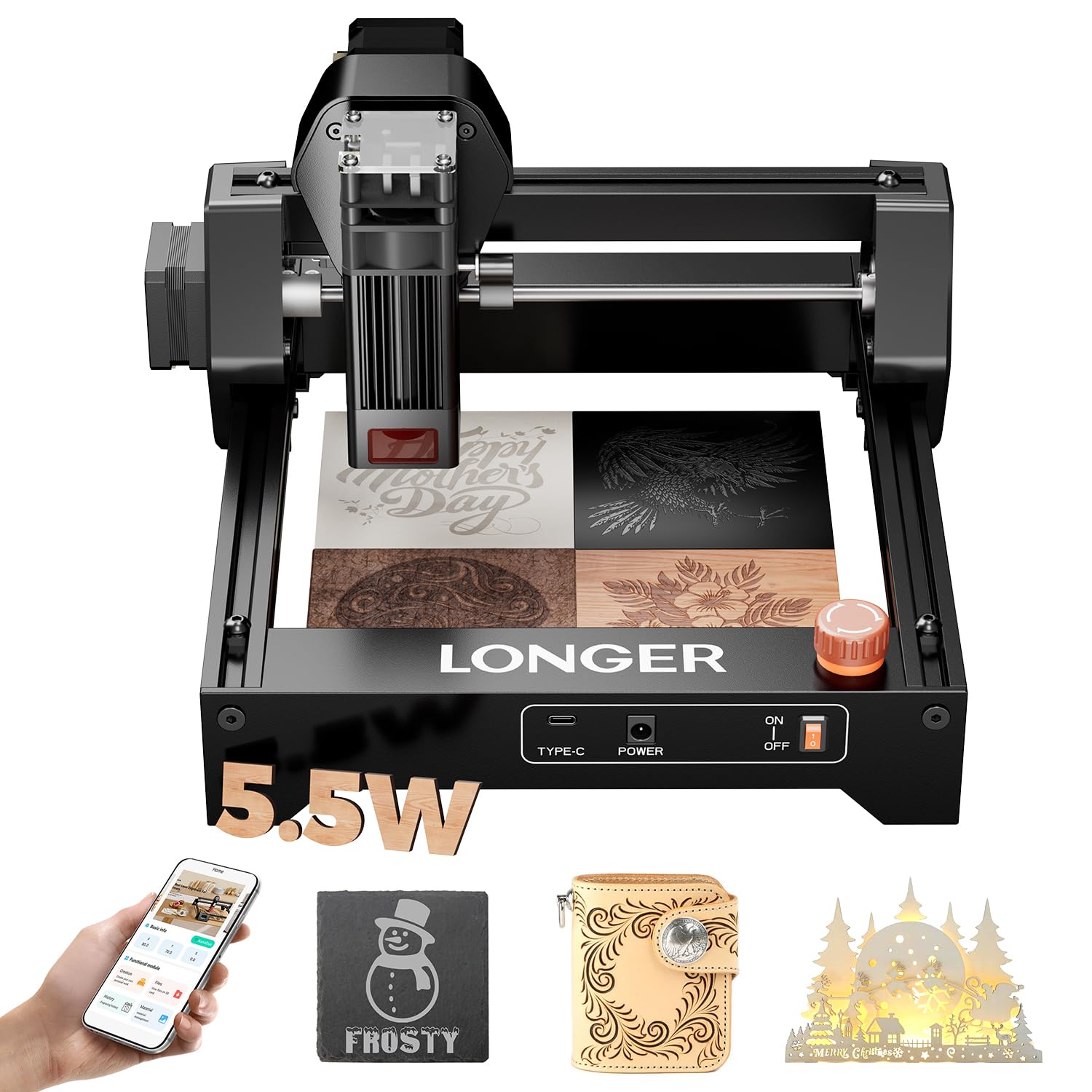
The Longer Ray5 packs a 5.5W diode and 130x130mm work area into an ultra-portable frame — ideal for absolute beginners with tiny budgets. Its low power limits wood cutting to thin stock like 3mm ply. This is best treated as an introductory engraving tool for small projects only.

Pros

  • Compact portable design fits easily on small desks or in a bag.
  • Low cost entry point for first-time laser engraver buyers.

Cons

  • At 5.5W, wood cutting is limited to thin materials; not for substantial wood projects.
Our verdict

This is a starter engraver for those who want to test laser engraving on small objects without a big investment, but don't expect to cut wood beyond thin sheets.

Check Latest Price
12

Extreme Budget

Creality Falcon 5W

77 /100
Craft Score Very Good

Key details

Safety
Open frame
Software
LightBurn, LaserGRBL
Work Area
400x415mm
Laser Power
5W diode
View on Amazon

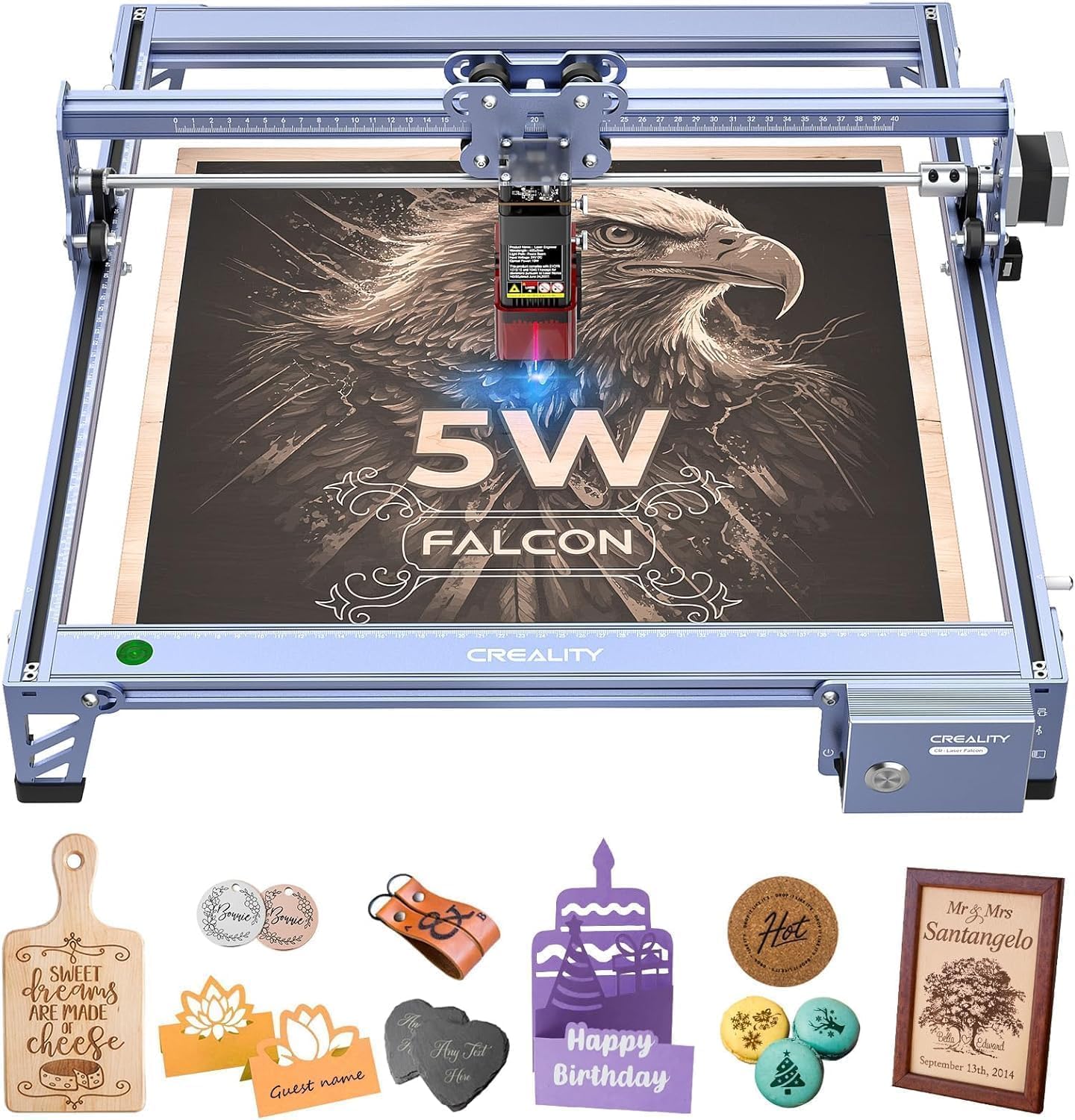
The Creality Falcon 5W delivers a large 400x415mm engraving area at a budget price, with easy assembly and solid frame construction. However, its low 5W power restricts it to light engraving, and some units may not function as expected — a risk worth taking only for extreme budget buyers who can handle potential troubleshooting.

Pros

  • Easy assembly with a sturdy frame
  • Large work area for the price

Cons

  • Some units may not engrave correctly out of the box
Our verdict

Buy this only if you need the cheapest entry into a large-bed laser engraver and are prepared to deal with possible setup issues.

Check Latest Price
13

Absolute Entry

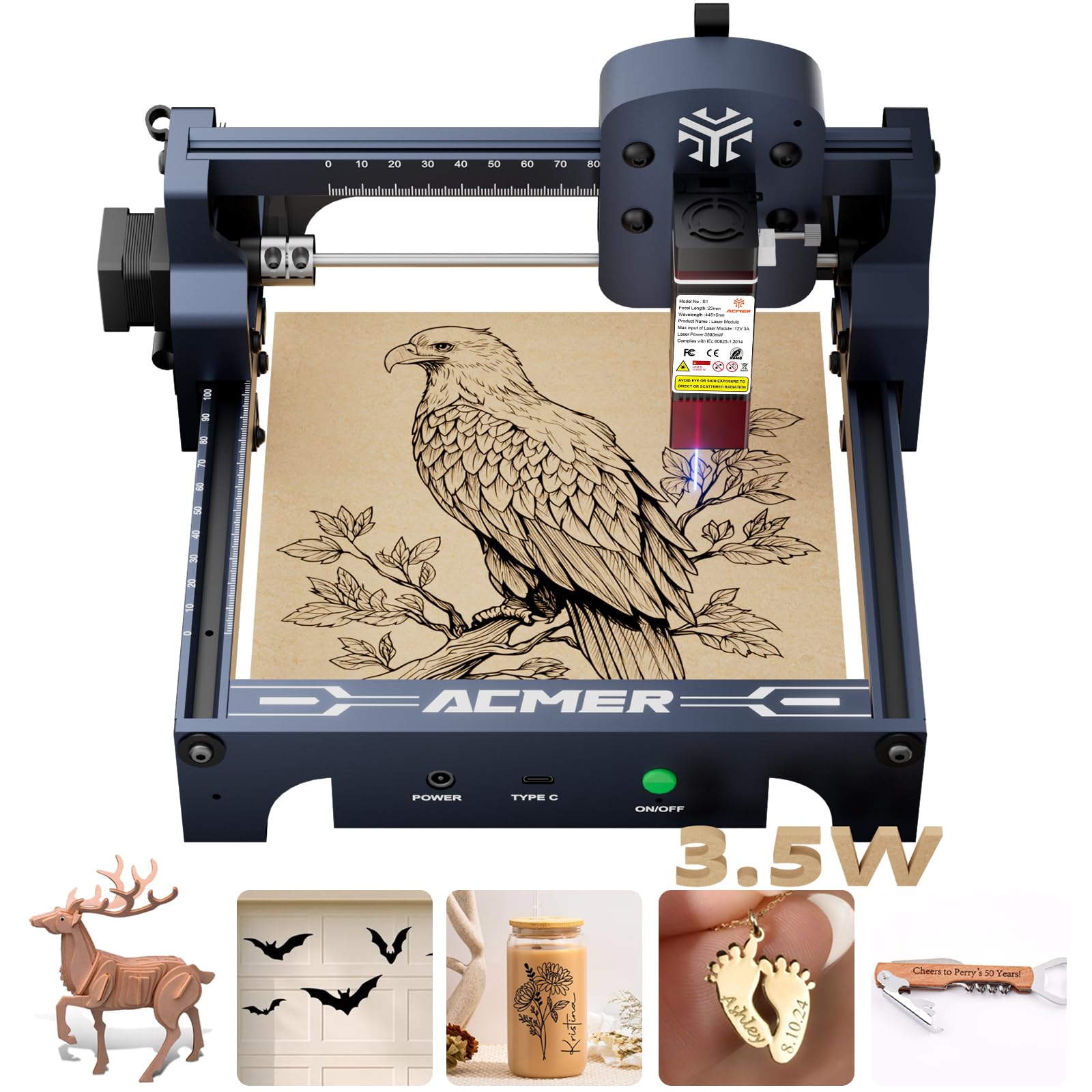
ACMER S1 3.5W

81 /100
Craft Score Excellent

Key details

Safety
Open frame
Software
Acmerstudio, LightBurn, LaserGRBL
Work Area
130x130mm
Laser Power
3.5W diode
View on Amazon

For less than $100, the ACMER S1 provides a 130x130mm work area and a 3.5W diode – enough for light engraving on soft materials like thin wood or acrylic. However, its low power limits wood cutting to under 2mm, and without verified user feedback, long-term performance is uncertain.

Pros

  • Low-cost price makes it accessible for beginners to try laser engraving.
  • Compact 130x130mm work area fits on a small desk or shelf.

Cons

  • 3.5W output restricts wood cutting to materials thinner than 2mm
Our verdict

Best suited for absolute beginners who want to experiment with engraving on small items without a significant investment – not for anyone needing cutting capabilities or verified reliability.

Check Latest Price

How to Choose

Laser Power and Real-World Output

The wattage printed on the box is rarely the full story. Diode lasers are often marketed with the electrical input or name, while the optical output that actually cuts wood can be 20-50% lower. A 10W diode should cut through 1/4 inch plywood in a few passes, but a 5.5W unit will struggle with anything thicker than 3mm.

The trade-off: higher power costs more and generates more heat, which can deform thin wood or require active cooling. For most hobbyists, a verified 10W diode offers the best balance of cutting depth and cost for wood up to 1/2 inch.

Work Area Size

A larger bed lets you engrave signs, furniture panels, or multiple items without repositioning. But bigger frames are heavier and more prone to vibration, which reduces precision at high speeds. A 400x400mm area is the sweet spot for most wood projects — enough for a breadboard or small sign, yet still fits on a standard workbench.

Ultra-compact models (130x130mm) are fine for coasters and keychains but quickly feel limiting for anything beyond small gifts. Consider the largest piece of wood you plan to engrave regularly and choose a bed at least that size.

Safety Features

Open-frame lasers expose the beam during operation — you need safety glasses and a well-ventilated room free of flammable dust. Enclosed models with Class 1 certification contain the beam and often include flame detection, automatic shutoff, and child locks. The premium for an enclosed unit is worth it if you share a workshop or work around pets.

The hidden cost of open-frame is not the goggles — it's the risk of fire from wood dust. A dedicated enclosure or fume extractor adds $100-300, narrowing the price gap with a ready-made enclosed laser.

Software Compatibility

LightBurn is the industry standard for diode lasers — it offers layer control, image adjustment, and reliable network printing. It costs $60 but is compatible with nearly every open-frame model. Free alternatives like LaserGRBL handle basic engraving but lack cutting path optimization and camera alignment.

Proprietary software (e.g., xTool Creative Space) simplifies setup for beginners but locks you into that brand's ecosystem. If you plan to swap machines later, LightBurn compatibility gives you more flexibility.

Build Quality and Reliability

A laser that fails after three months is worse than no laser at all. Reliability issues show up as motor stepping errors, diode power drop, or mainboard failures. Models with metal frames, linear rails, and active cooling tend to outlast plastic-and-aluminum designs by years.

Check user reviews for patterns of early death — a 40% negative reliability rate means your odds of a dud are nearly even. The safest bet is a model with thousands of reviews and fewer than 10% reporting failures within 30 days.

Frequently Asked Questions